AGORA Maestro

Do this now

Install the robots

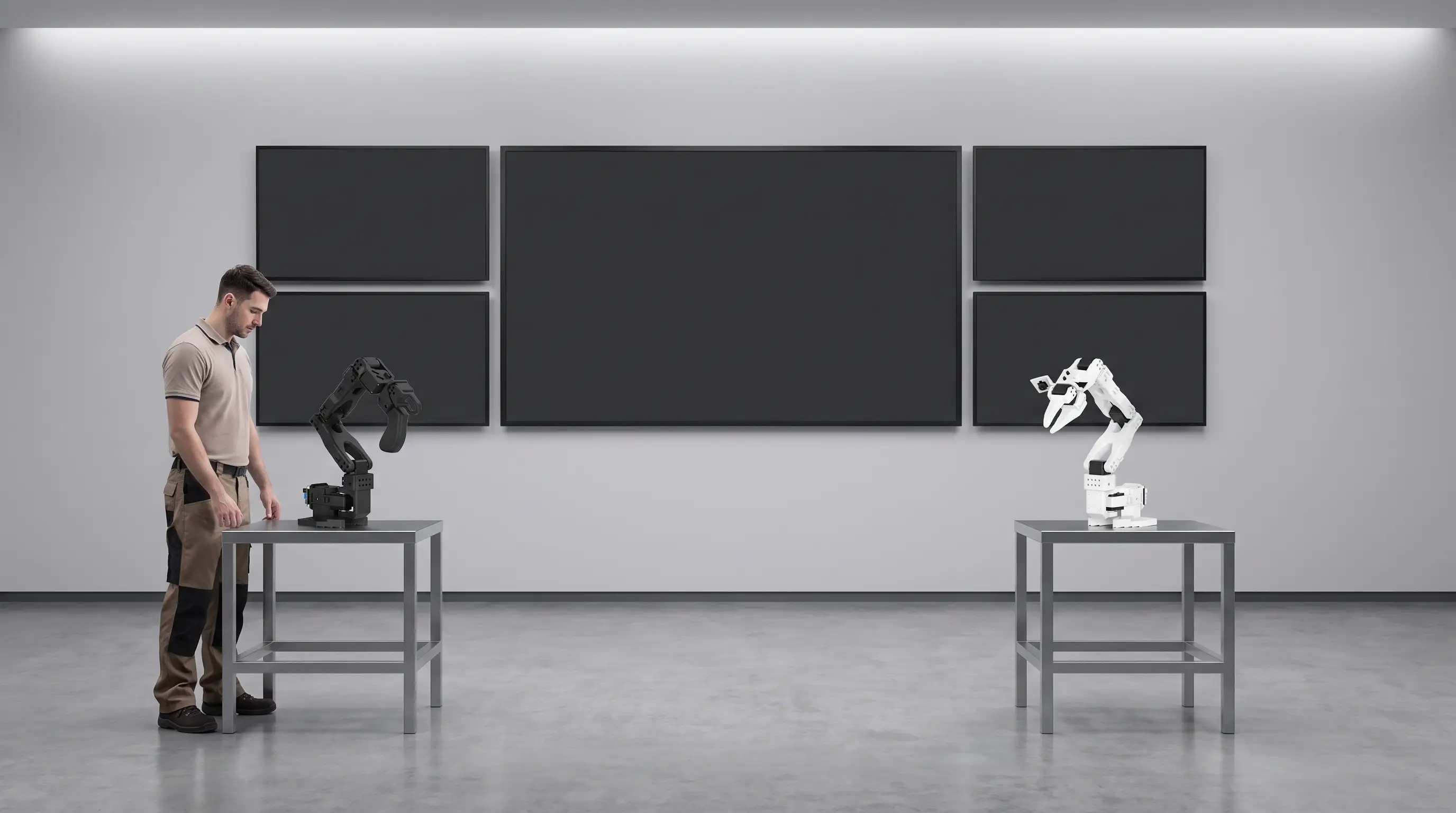
Shop-floor operator beside the black Leader robot on its table, with the white Follower robot on a separate table opposite
Illustration, not a live room camera.

Place the black Leader and white Follower on separate stable tables, one on each side of the video wall. Keep the Leader beside the operator position.

Connecting to AGORA...

Governed reset

Full environment reset

This clears the current demonstration state in SAP, MES, SCADA, EMIS, Navigator and Maestro, then restores the governed starting baseline for the next run.

  • Revision A and the 50 g process limit are restored.
  • The existing MES sequence input mode is verified, never changed.
  • Robot calibration, homing, torque, safety and configuration are preserved.

No robot motion is commanded.

Physical control

Follower input mode

This changes command-source authority only. It does not move hardware.

Checking controller

Checking broker-reported gateway state.

Choose requested mode

The selection has not been published.

No robot motion is commanded.